Work with DataWeave using agents and WebMCP
Use a compatible browser agent to inspect, edit, run, and debug DataWeave transformations alongside you in the playground.
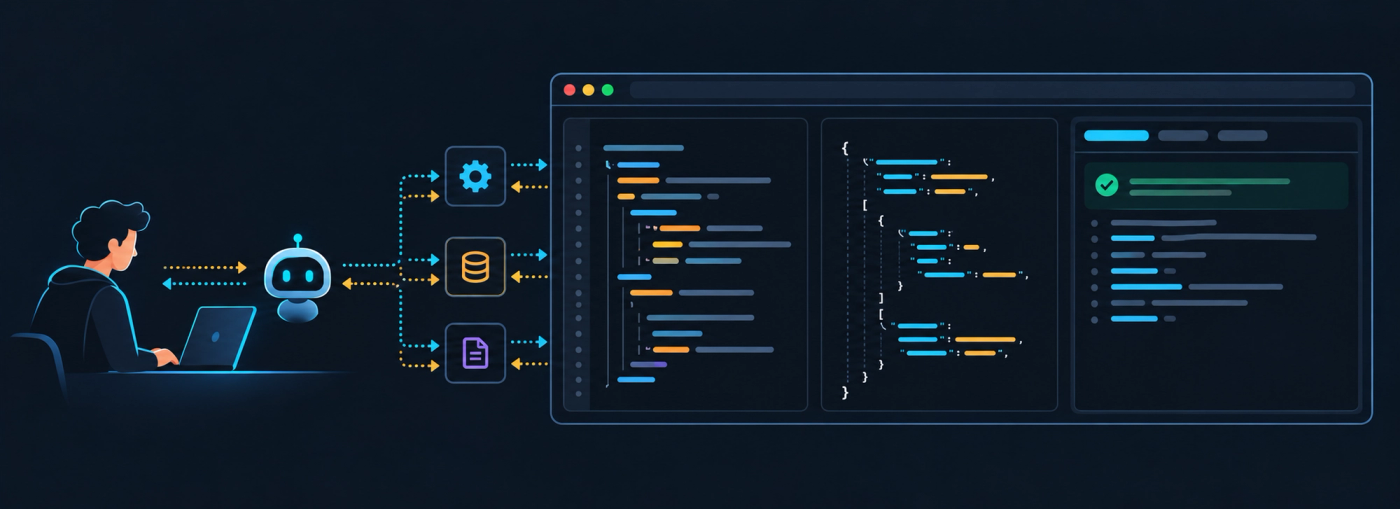
The DataWeave playground now exposes WebMCP tools to compatible browser agents. An agent can work with the transformation you have open: read its inputs, update the script, run it, and investigate a pause in the debugger. You can follow along in the same editor.
What does WebMCP add?
WebMCP lets a page expose named, structured tools to a browser agent. In the playground, those tools operate on the workspace in the open tab. The agent can work with the script and input formats directly instead of relying on the position of buttons or the editor’s visual layout.
From a question to a working transformation
Imagine a payload containing invoice rows and a script that maps them into JSON. You can ask an agent to inspect the current workspace, add a field that doubles the unit price, and run the transformation. The agent can read the result and report the new values while you see the same script and output in the playground.
Review changes in the editor
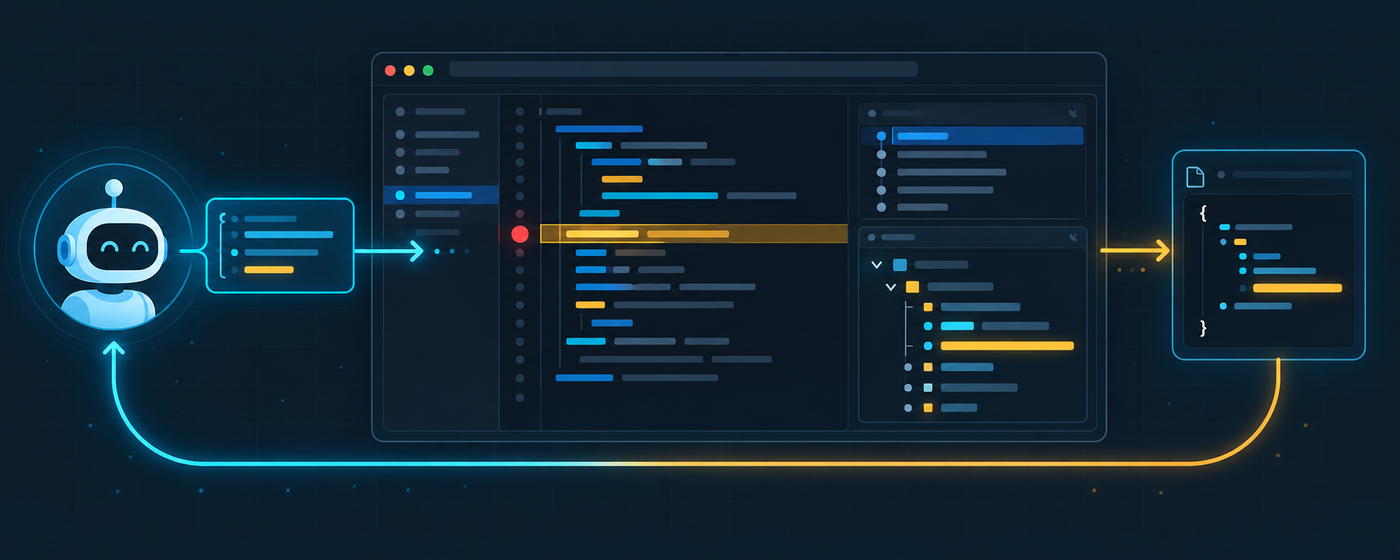
For targeted edits, the patch tool matches the requested change against the current text and checks its revision before applying it. After a successful patch, the playground reveals and briefly highlights the affected lines. Select View diff to review the before-and-after snapshot, including deleted lines. You can undo an edit in a mounted editor.
Debug together
An agent can set breakpoints, start the debugger, step or continue, and inspect stack frames, variables, and read-only watch expressions. The controls operate on the same visible session as the toolbar. Script and input editing stay locked while debugging, and the agent can stop or restart the session when needed.
More playground tools
The tool set also includes the latest announcements from What’s new and a feedback tool. Sending feedback submits the message to the playground team, so the agent should do that when you ask it to. Tool availability depends on the browser and the agent you use.
Available WebMCP tools
The playground currently exposes these tools to compatible browser agents:
get_workspace— Read the script, inputs, context, output, logs, status, and text revisions.update_workspace— Replace selected workspace fields, including the script or inputs.patch_workspace_text— Apply revision-checked, context-matched edits to script or input text.run_workspace— Run the current transformation and return its output and logs.debug_status— Inspect the debugger state, stack, scopes, breakpoints, and pause generation.debug_breakpoints— Replace the list of one-based breakpoint lines.debug_control— Start, restart, stop, continue, pause, or step through a debug session.debug_select_frame— Select a paused stack frame and inspect its scopes.debug_variables— Expand variables or scopes from the current pause, with pagination.debug_evaluate— Evaluate a read-only watch expression in the selected frame.get_whats_new— Read the latest announcements from the playground’s What’s new feed.send_feedback— Send a description and rating, with an optional email, when you ask to submit feedback.
Try it
Open the playground in a browser with WebMCP and a compatible agent enabled. Ask the agent to inspect your workspace, make a small change, or explain a value at a breakpoint. Your existing manual editor and debugger remain available alongside the tools.
WebMCP is an evolving browser feature. For local Chrome testing, enable the WebMCP testing flag and restart the browser; see the Chrome WebMCP documentation for current availability. A browser exposing the API does not by itself guarantee that a particular agent can discover or call the tools.